FitApp
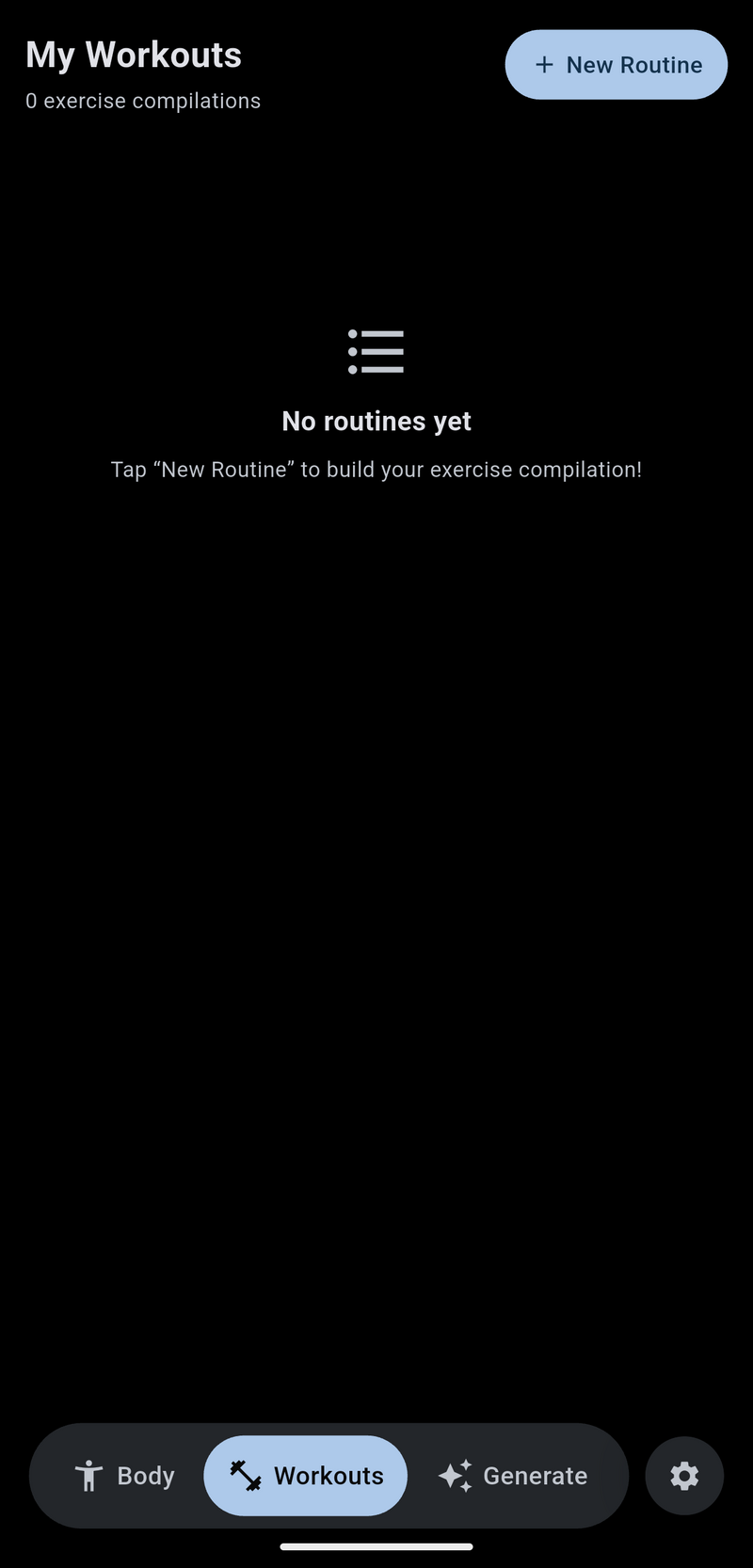
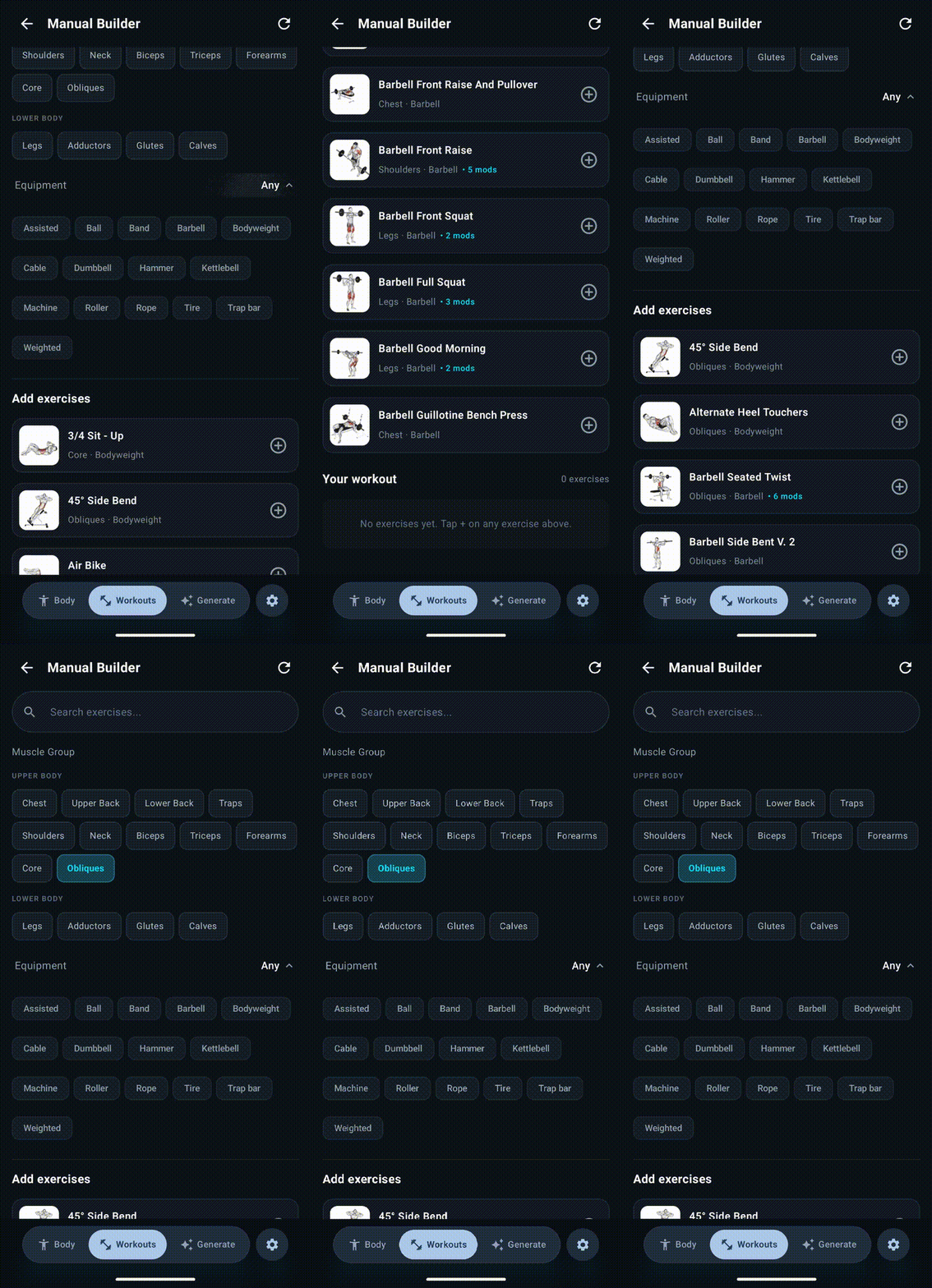
A tool for finding the next exercise, not logging the last one — browse a full library by muscle group, generate a routine by rule or by AI, or build one by hand.
FletPythonWorkoutX APIGemini 2.5 FlashGemini NanoMaterial You
A tool for finding the next exercise, not logging the last one — browse a full library by muscle group, generate a routine by rule or by AI, or build one by hand.
The idea is simple: after running the same routine for a while, I want fresh alternatives, not another app to log the same reps in. Freeletics got closest to what I wanted, but only its workout builder — bodyweight moves, band variations, that kind of variety. The tracking half never interested me, since a watch already does that job, so there's deliberately no start-workout or logging screen here.
It's also where the engine changed: Kivy gave way to Flet. The first version was plain — a small, hand-picked exercise list grouped by muscle group. The real work started once I went looking for an exercise database worth building on, and separately, for a body model that could actually be pulled apart into regions a person could tap.
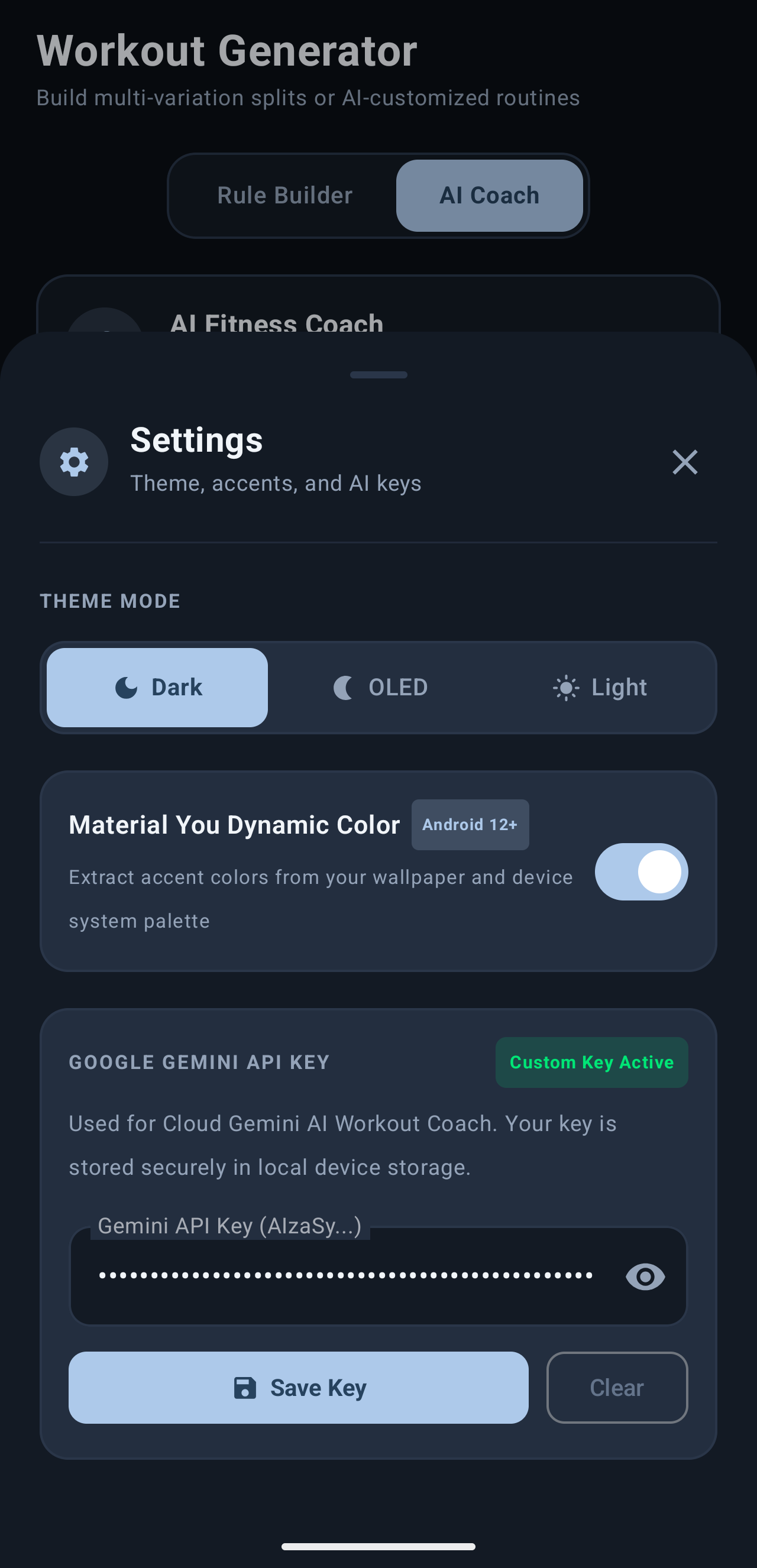
Kivy draws every control from scratch, so a button, a list row, or a picker is a widget you style and maintain yourself — there's no design system underneath, just whatever you build. Flet renders through Flutter instead, so real Material 3 widgets — segmented buttons, bottom sheets, ColorScheme-aware theming — come built in and look native rather than hand-drawn. That's also what let the app follow the phone's light/dark setting and, on Android 12+, pull its accent color straight from the wallpaper (Material You) without me reimplementing any of that by hand. And it stays Python end to end: no bridging into a second UI language, one flet build apk away from a shippable Android build, with a flet run --web version usable straight in a browser tab for quick iteration.
None of that is free, though. Flet's Android build bundles the Flutter engine, so the APK is meaningfully larger than a comparable Kivy one. Its plugin ecosystem is younger and thinner, so anything Flutter can do that Flet hasn't wrapped yet — Material You's wallpaper-color extraction, here — means writing a small Flutter/Dart extension by hand instead of finding one already made. And being newer, its documentation and community answers are sparser than Kivy's decade-plus head start. For a small solo app where a modern, native-feeling UI was the whole point, that trade was worth making; for something that needs deep custom rendering or already has a large Kivy codebase behind it, it might not be.
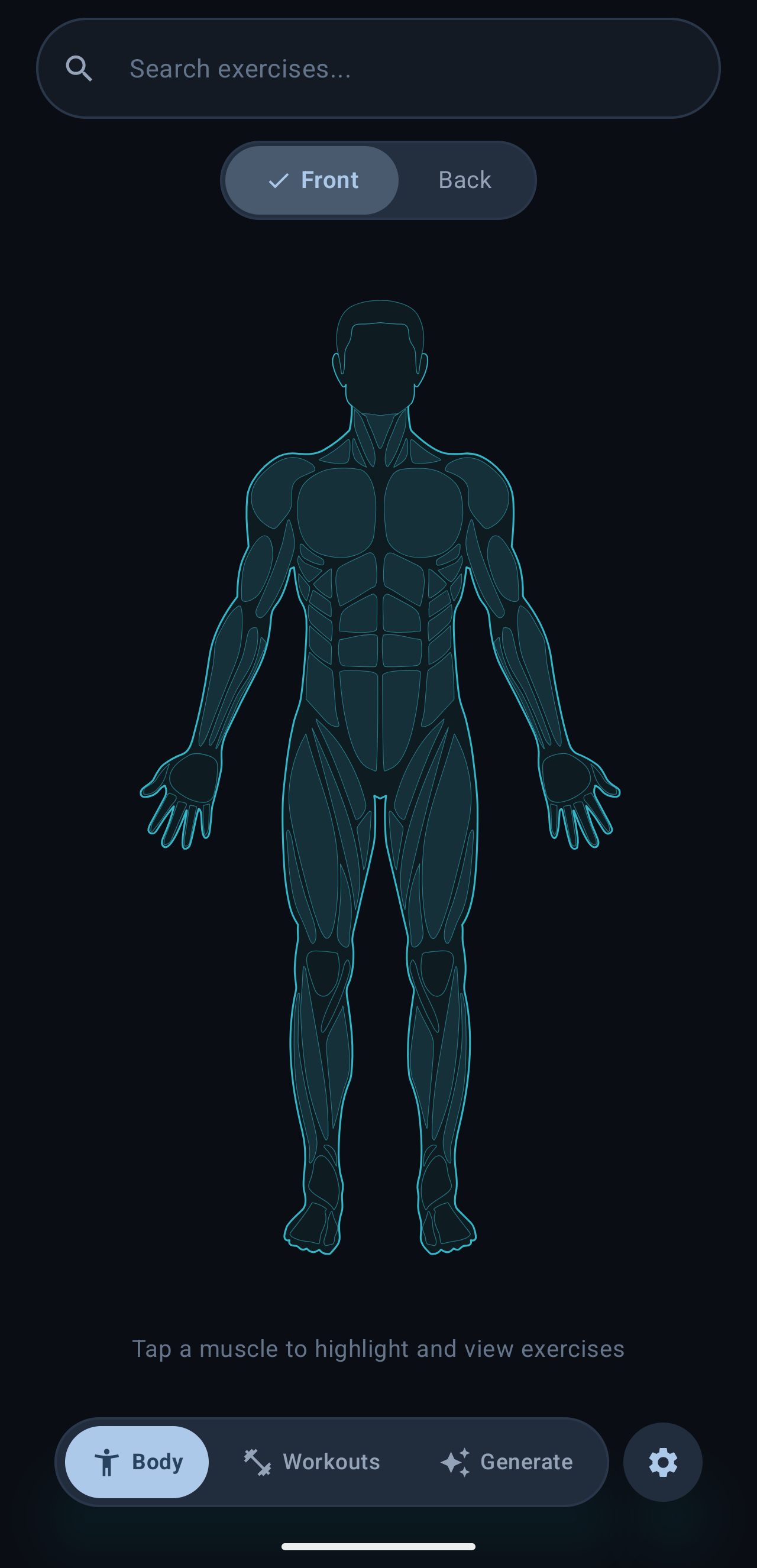
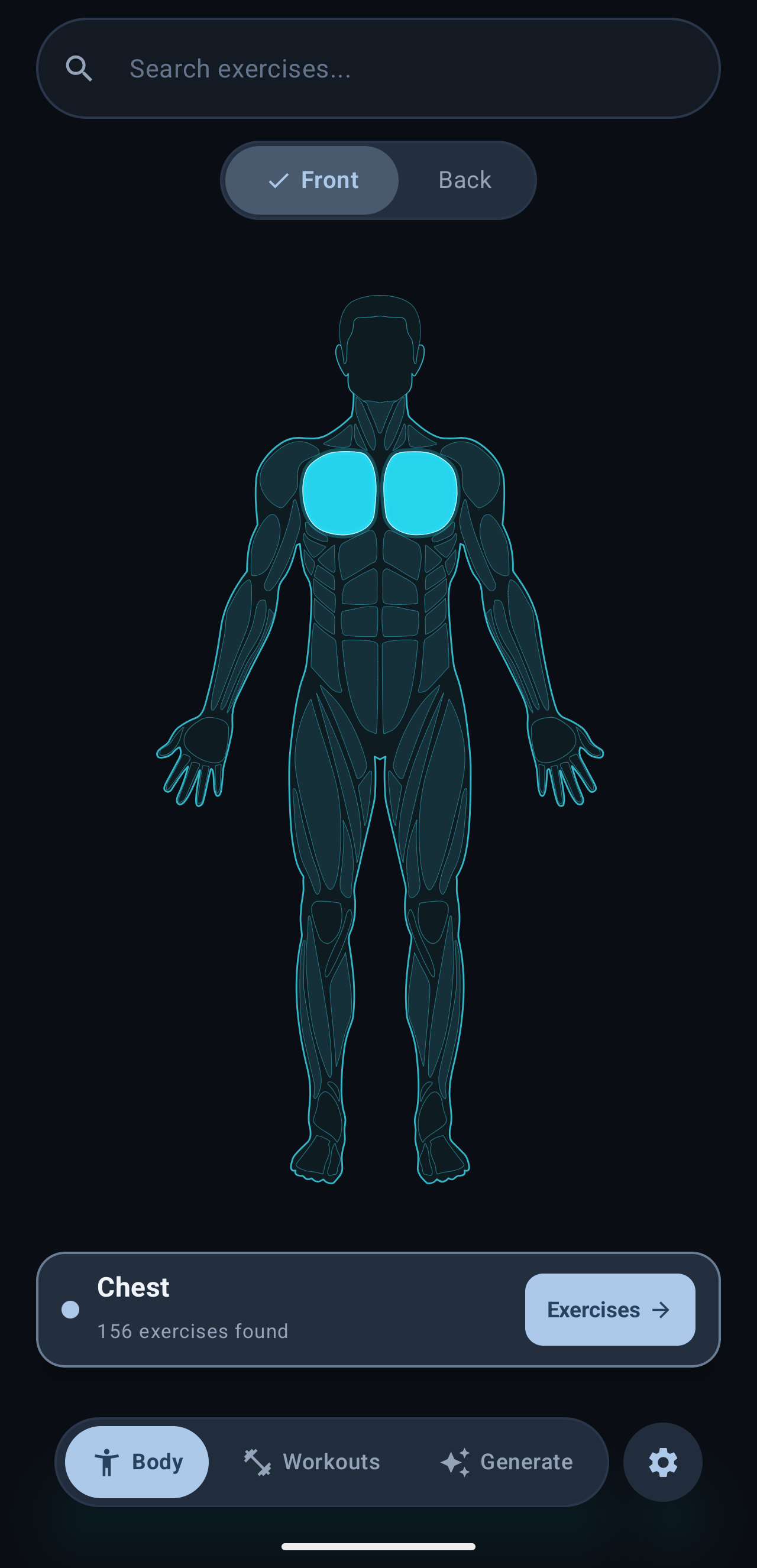
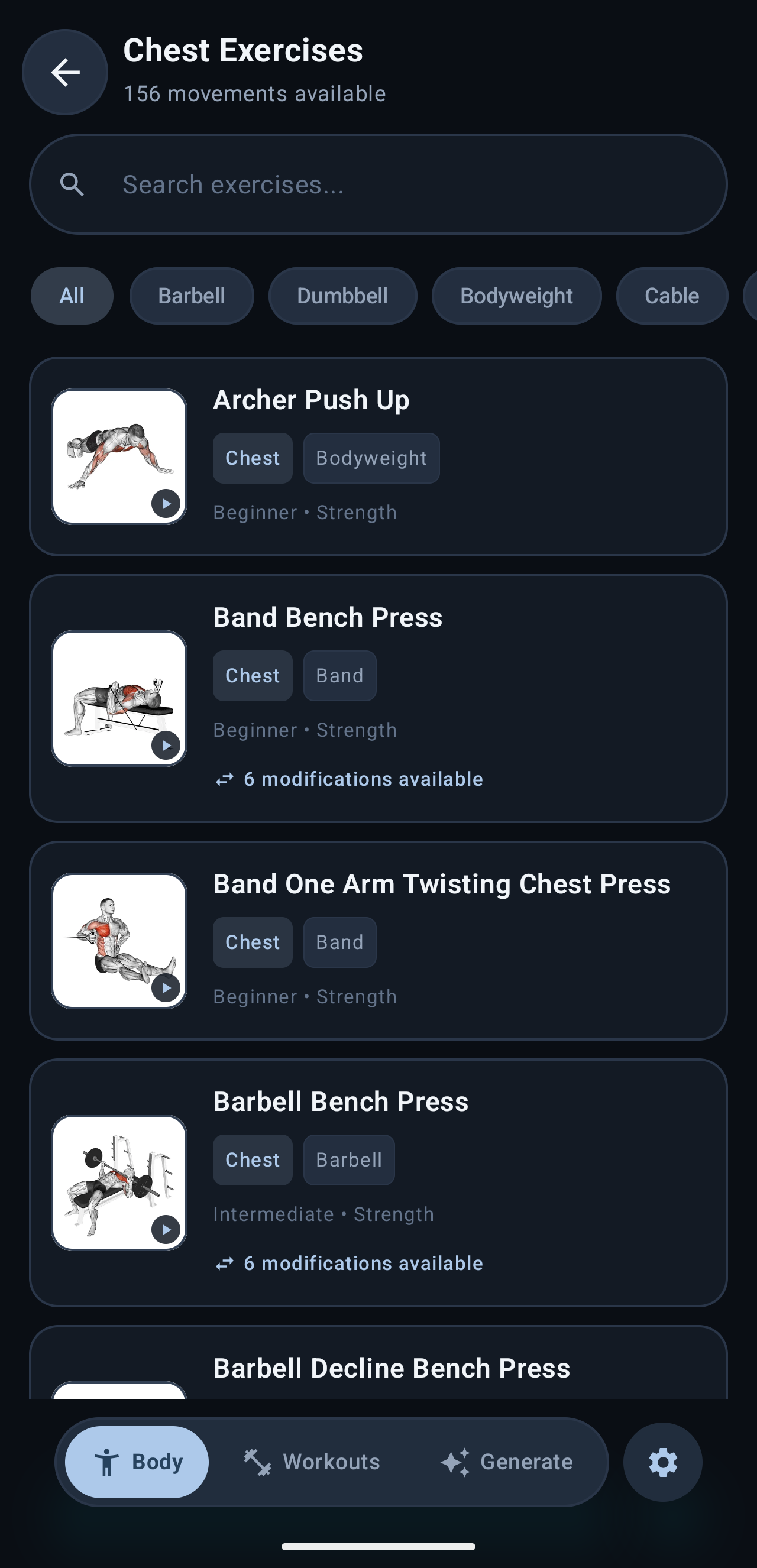
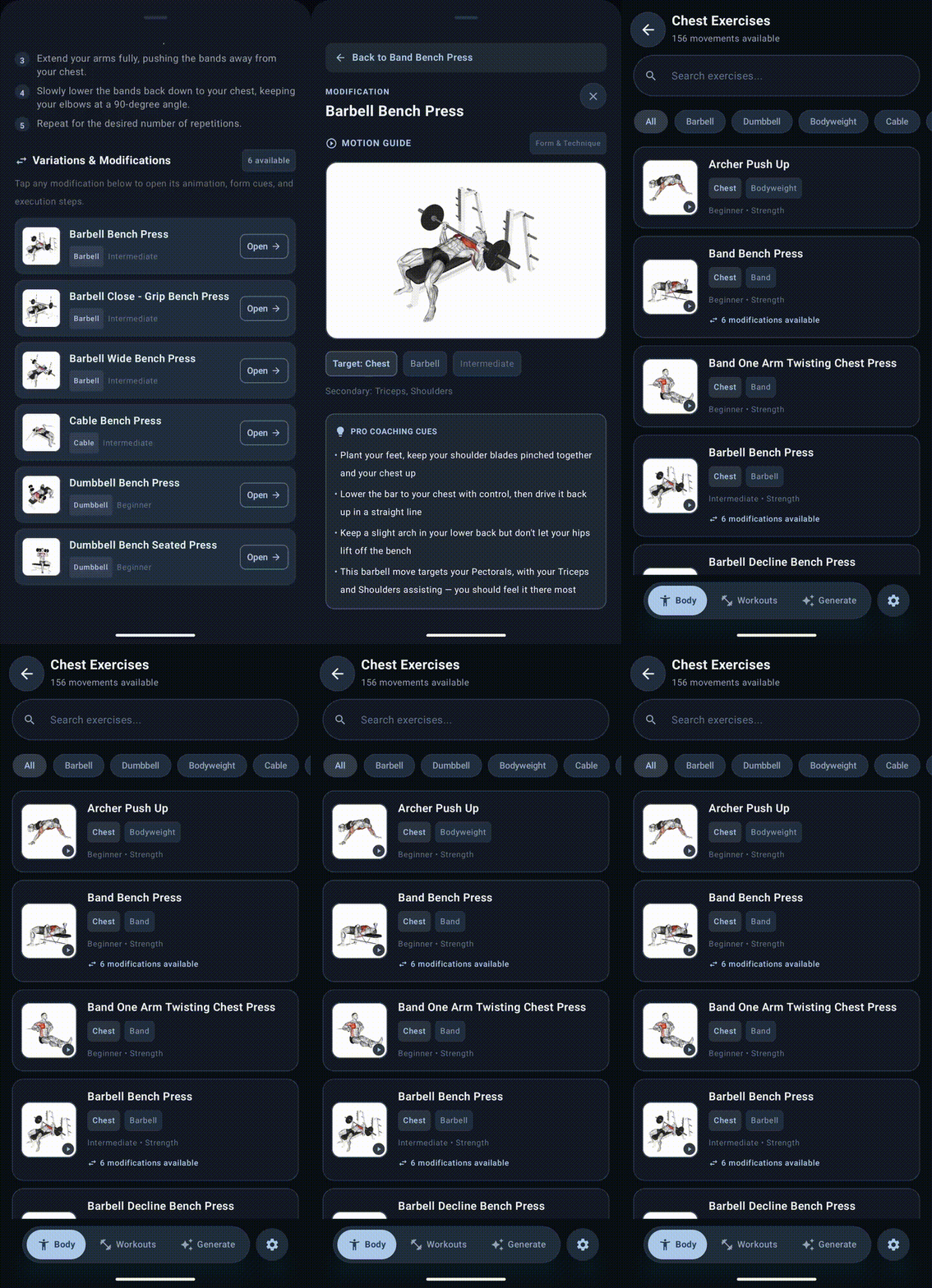
Tap a muscle, front or back, and see every exercise that targets it — sourced from the WorkoutX API. Finding a body model that could be split into clickable regions in the first place turned out to be the harder half of this.
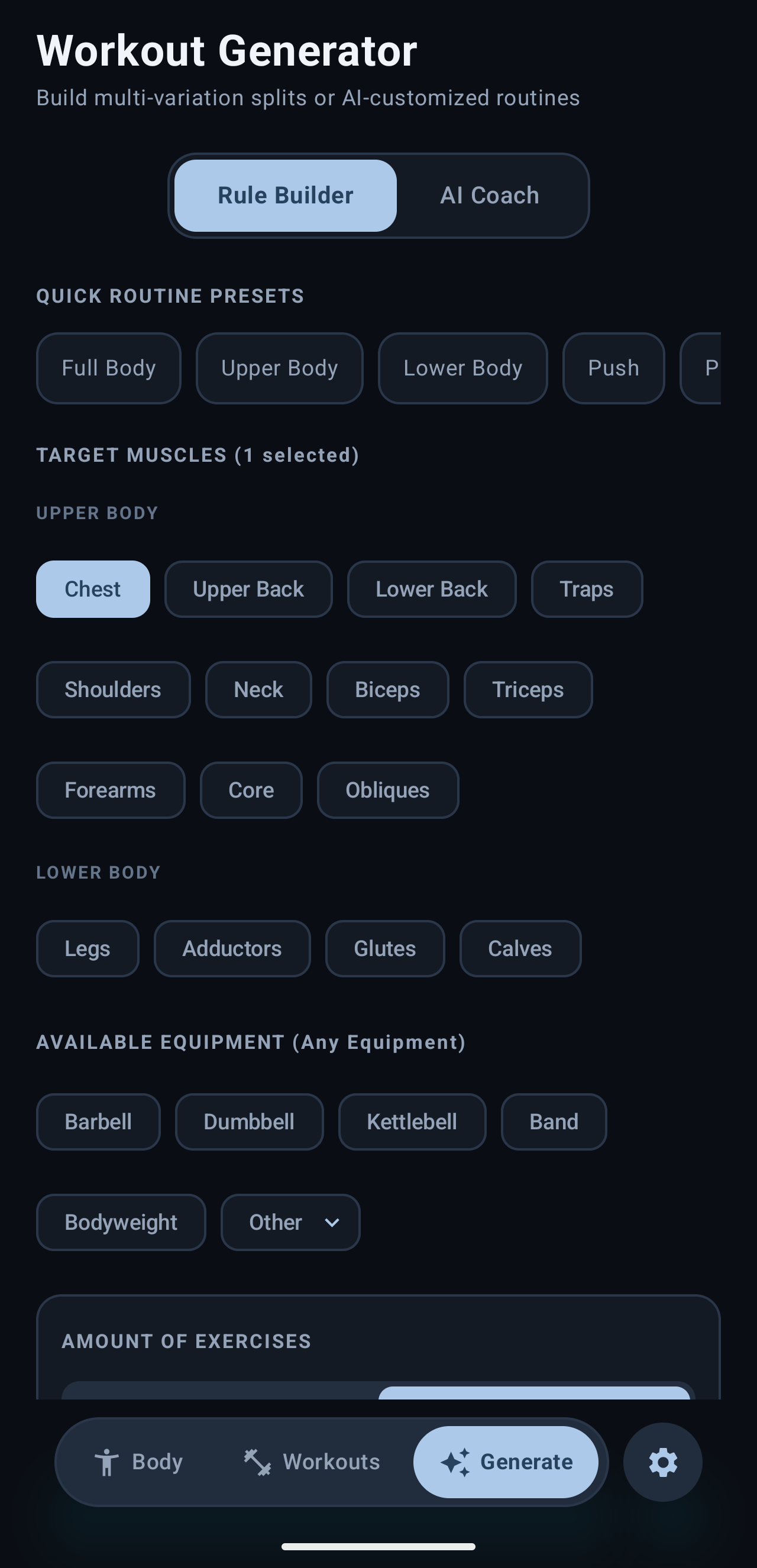
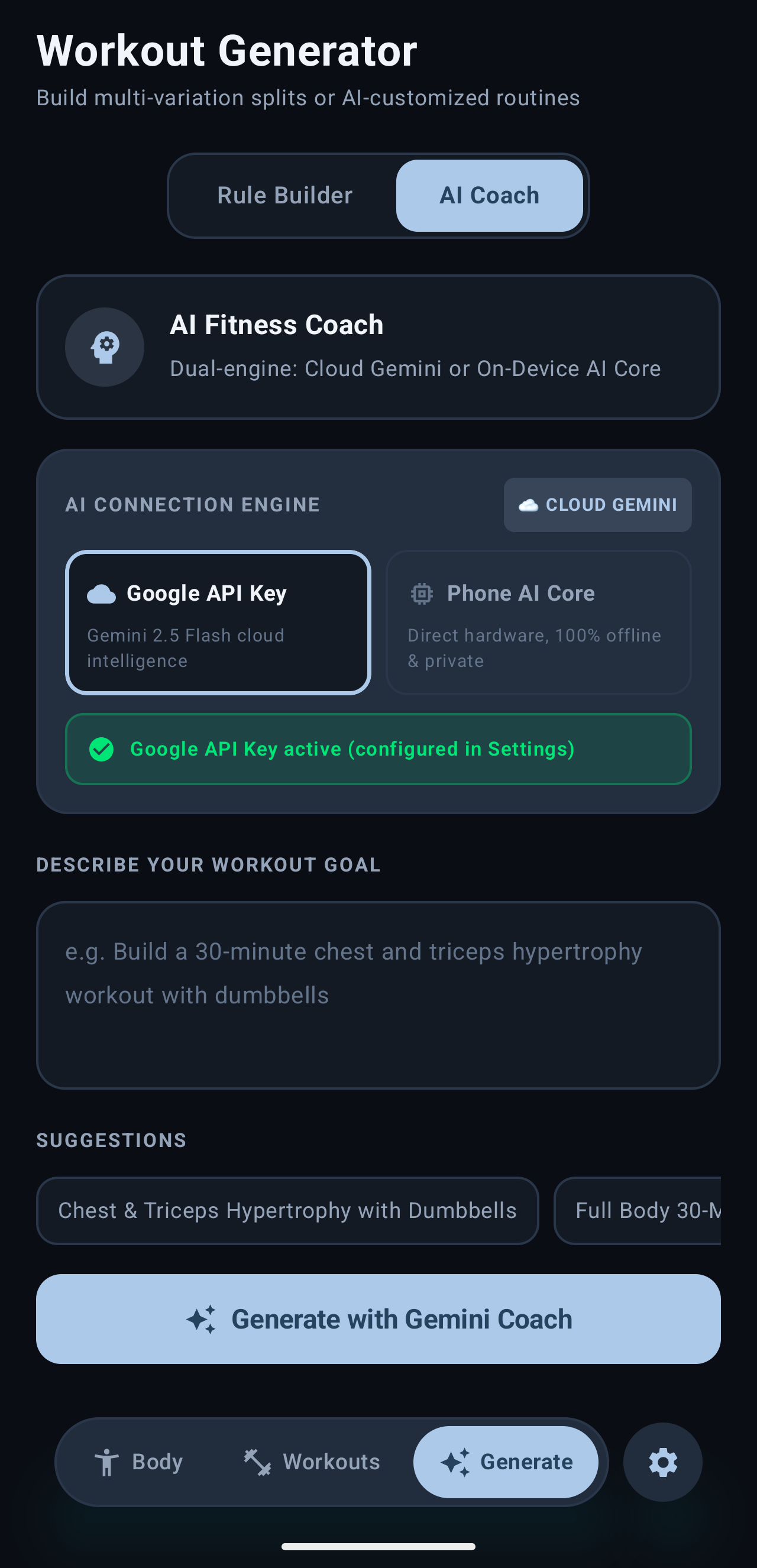
Rule Builder for manual control — muscle groups, equipment on hand, exercise count, how many variations. AI Coach for an open request, handled by whichever engine is connected.
Wiring AI in meant exploring on-phone inference — Gemini Nano, via Android's AICore, runs the coach fully offline and privately, but only on the handful of Pixel phones AICore actually ships on, and only once the on-device model itself has downloaded (a multi-gigabyte one-time fetch). Everywhere else, a cloud Gemini 2.5 Flash fallback takes over, using the person's own API key rather than one baked into the app.
The AI coach doesn't invent exercises — its prompt constrains it to the same WorkoutX-sourced library the Rule Builder draws from, so a generated routine can't reference a move without a real animation, form cues, and equipment tag behind it. The trade-off is capability: Gemini Nano's smaller on-device model needs a stricter, more repetitive prompt to stay inside that constraint reliably than the cloud model does, and it still occasionally needs a regenerate to come back with a clean, parseable result.